


Skrapp V2, rebuilt to enhance lead verification and conversion
Skrapp finds professional emails from LinkedIn, Sales Navigator and company domains. V1 was good at finding them and silent on whether they would land. For V2 I designed the parts of the app that close that gap: single and bulk email verification, lists, and the browser extension.
- Product design
- B2B SaaS
- Lead generation
- Email verification
- Industry
- Lead generation
- Role
- Product Designer
- Team
- Samuel Yusuf
- Scope
- Strategy, Product Design, Research
Overview
Emails found, then exported unchecked
Context
Sales, recruiting and marketing teams turn a LinkedIn profile, a name or a domain into a work email, then export to a CRM. Skrapp’s own site counts billions of searches against a database of hundreds of millions of professionals.
Problem: a found address came with no way to check it.
V1 stopped at “email found”. There was no way to check one address, clean a list, or start from a company. So people exported lists they couldn’t vouch for and paid a second tool to verify them. Every bounce cost a credit.
How might we take someone from a company, a name or a raw list to verified, ready-to-send leads without leaving Skrapp?
My Role
My role was to bring verification into the path from discovery to export.
I designed the verification, list and extension flows, translated them into working prototypes in code, and shipped them to production with the engineering team.
Email Verifier
Single check, result layout, five statuses, every edge case.
Bulk Email Verifier
Tasks, typed or uploaded lists, progress, download, limits.
Lists and extension
Lead tables, export, CRM sync, transfer, LinkedIn and website extension.
Coded prototypes
Working prototypes in code behind the flows, for the team to try before building.
Impact
What V2 helped Skrapp deliver
These figures reflect Skrapp’s published metrics following the V2 transition. Designing Email Verifier, Lists, and the Browser Extensions was a core part of moving the product forward into this next iteration, powering workflows these teams use daily alongside search, data, and the rest of the team’s work.
- New revenue a nonprofit raised in a year, from leads found with Skrapp
- $200K
- To build a 5,000-contact list with Skrapp, down from five to six hours
- Minutes
- Sales professionals using the product V2 rebuilt
- 2M+
- Average across 900+ reviews on G2, Capterra and the Chrome Web Store
- 4.7
The V1 Gap in verification
Easy to use, hard to trust
At the time, V1 held 4.5 on Capterra, 4.7 for ease of use. Most complaints come back to one problem. People couldn’t tell a good email from a bad one.
“We can’t verify if the email is correct.”
Associate manager · Capterra review, June 2023
| The gap | V1 | V2 |
|---|---|---|
| Found didn’t mean deliverable | Emails came back with no health status. Some marked verified still bounced. | Five statuses on every email, with the reason on hover. |
| Checking meant leaving | Nothing in the app checked an address you already had. | A Single Email Verifier one click from anywhere. |
| Lists went out unchecked | Exports mixed good and risky emails with no way to clean them. | Bulk verification as a task, and exports filtered by status. |
| Search started from a person | Prospecting leaned on LinkedIn profiles and searches. | Company Search: filter companies, then pull their people. |
Solution
Verify one, verify thousands, or start from a company, and end in the same list
V2 moves towards answering: what do we know about this address, where is the uncertainty, and is it appropriate for my outreach?
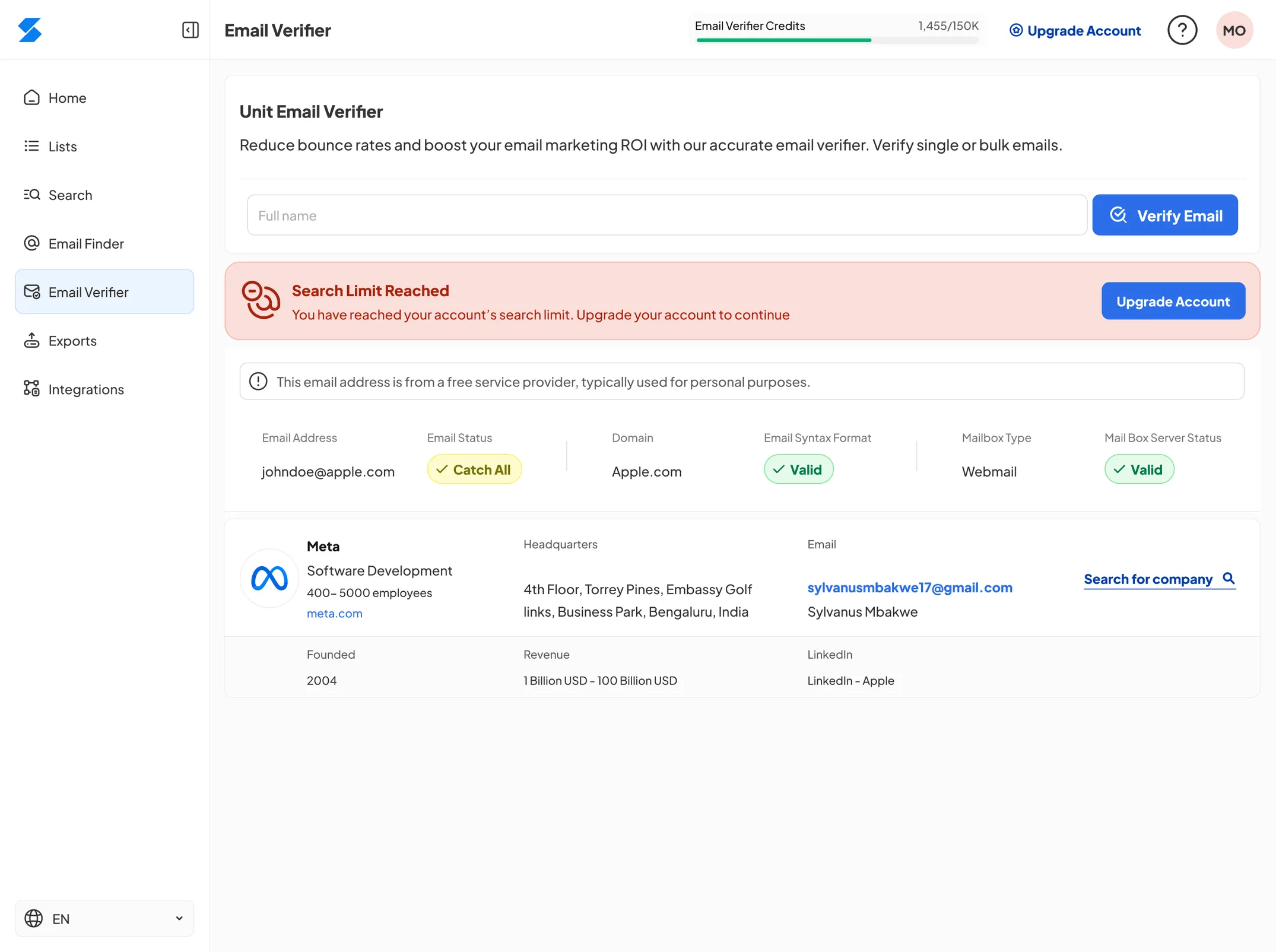
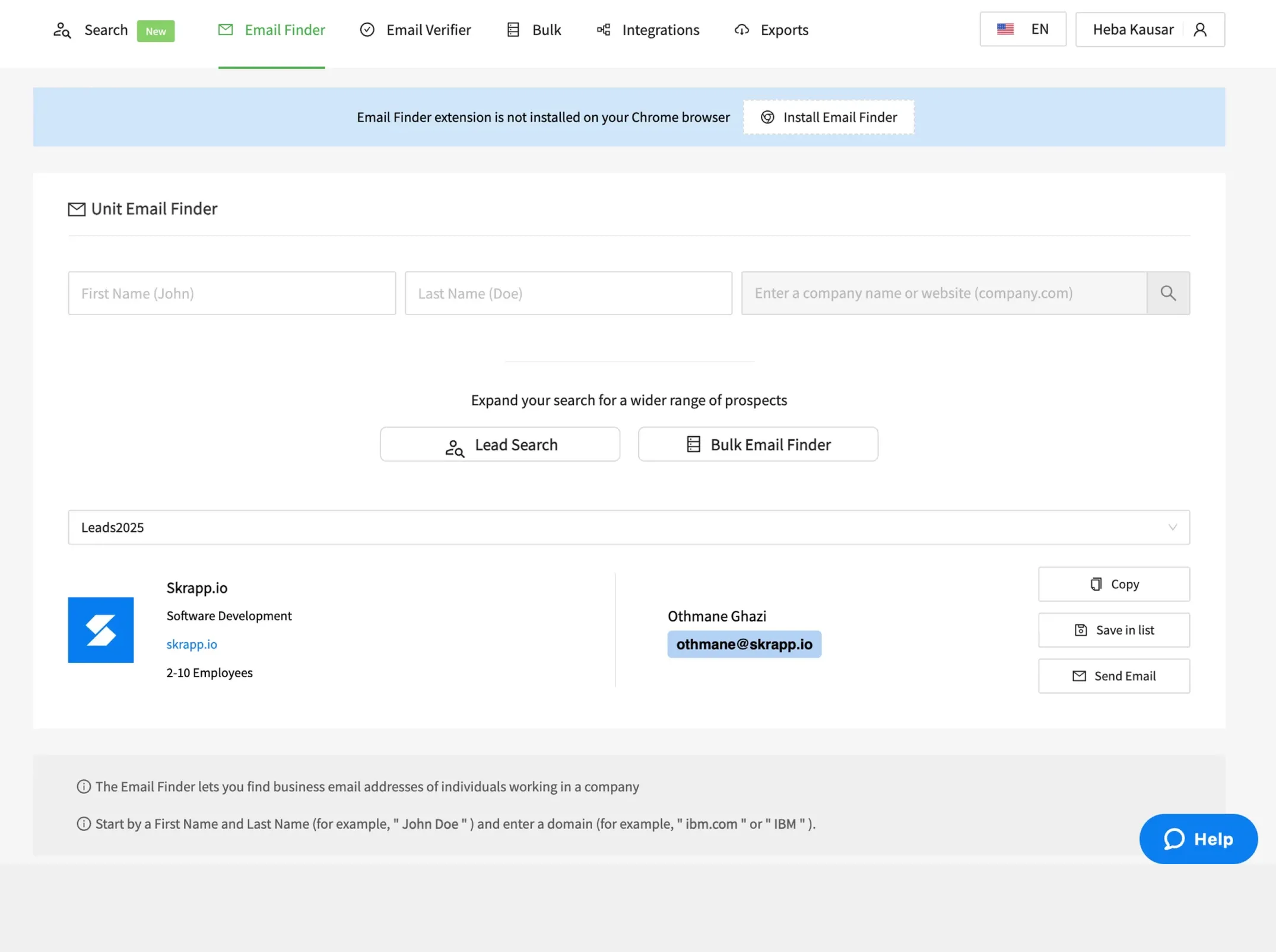
Paste an address, get an answer and a company
The left card answers whether you can send to it: status, syntax, mailbox server, mailbox type, domain. The right card answers who it belongs to, and hands that company to Company Search.
Bulk email verification runs as a task
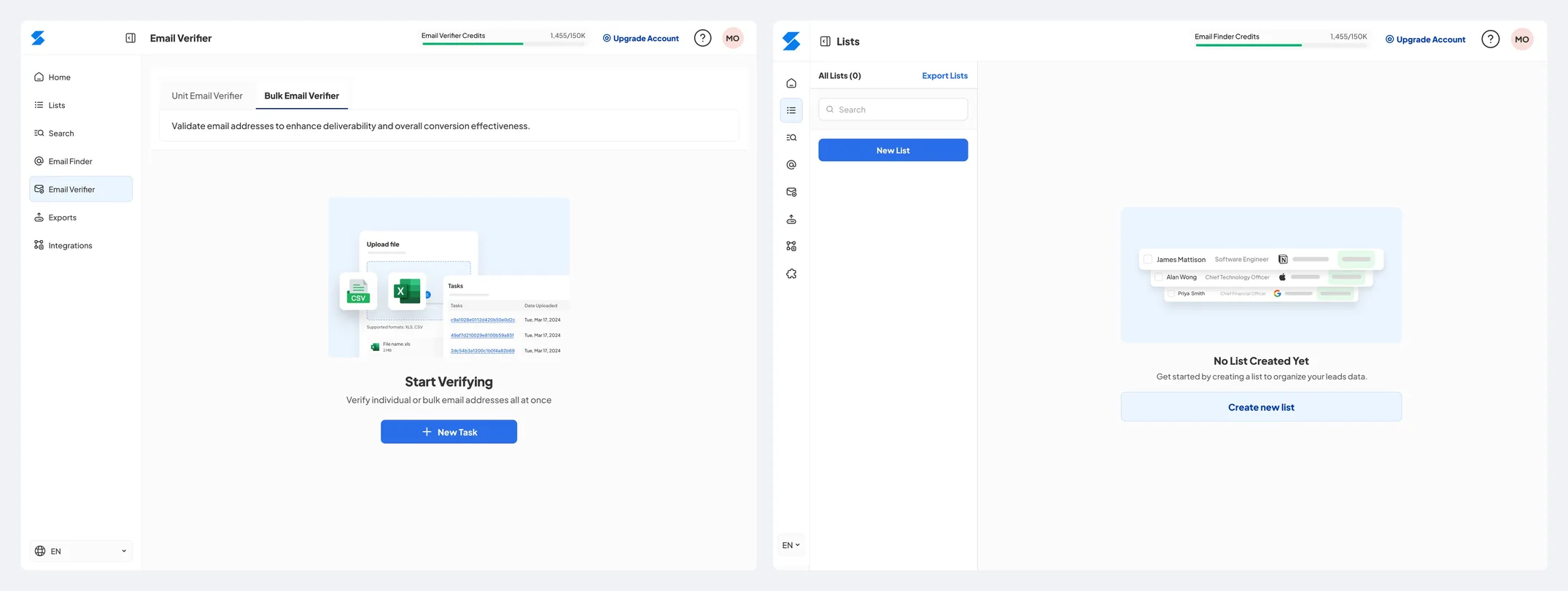
Type addresses as chips up to 500, or upload a CSV or Excel file. Progress runs in a table, so a long job can be left and picked up later.
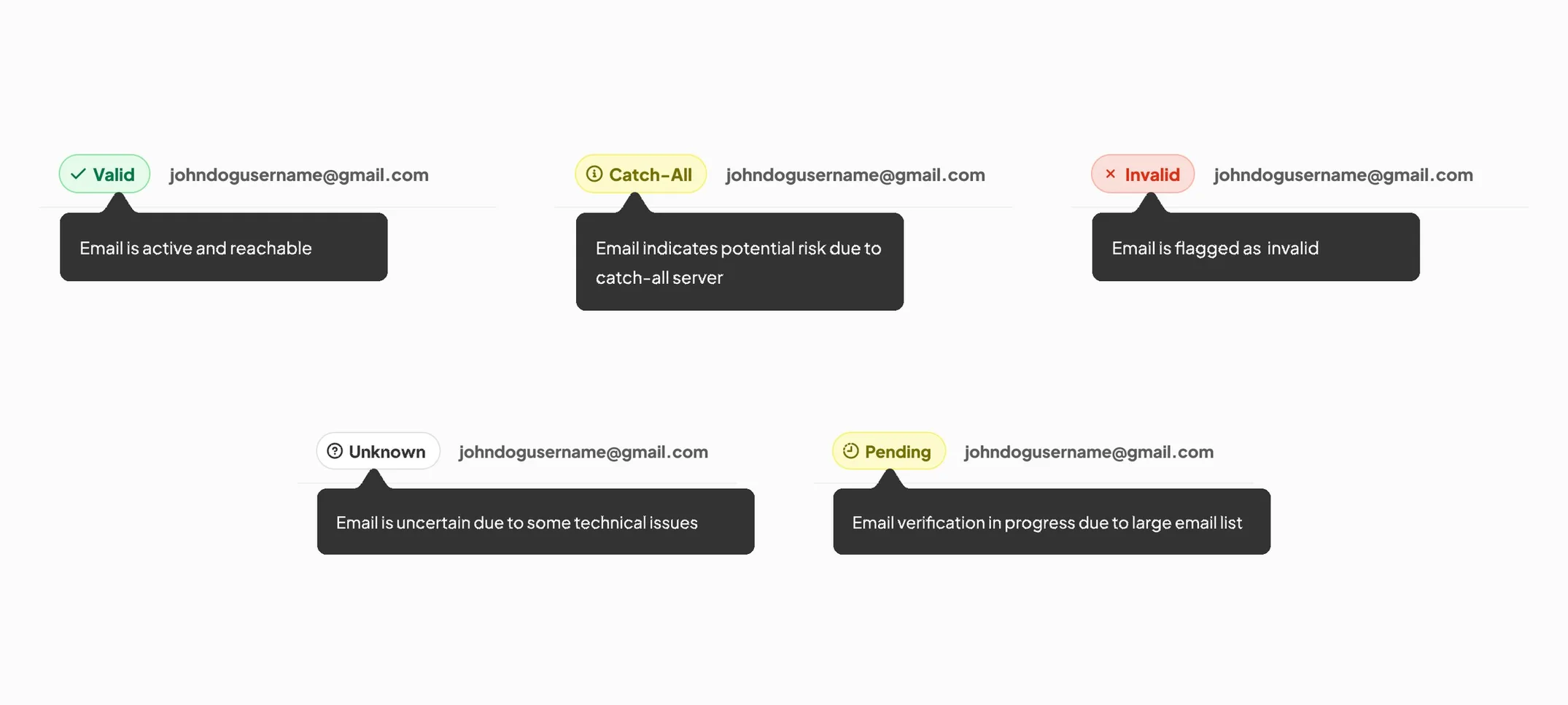
One status language everywhere
Every email gets one of five outcomes: Valid, Catch-All, Invalid, Unknown, Pending. Each is a coloured pill with its reason on hover.
List Feature
Lists, where every route ends
The checkbox column stays fixed while the rest scrolls sideways. A lead with no email shows Find Email. Sync to a CRM, transfer between lists, or export only the statuses worth sending.
The same panel on LinkedIn and on any website
Same status pills, same lists, and a new list can be created inline.
Edge cases
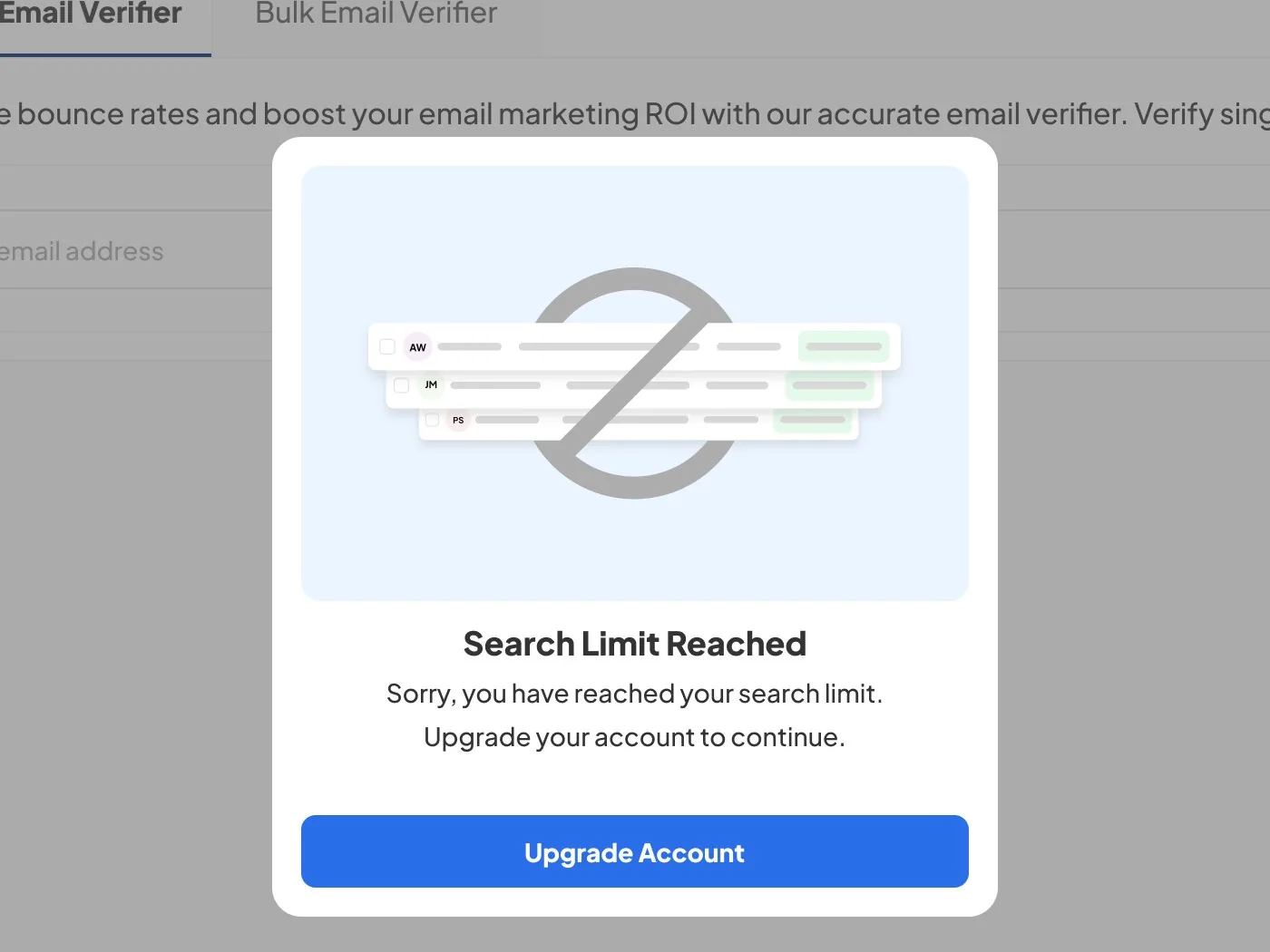
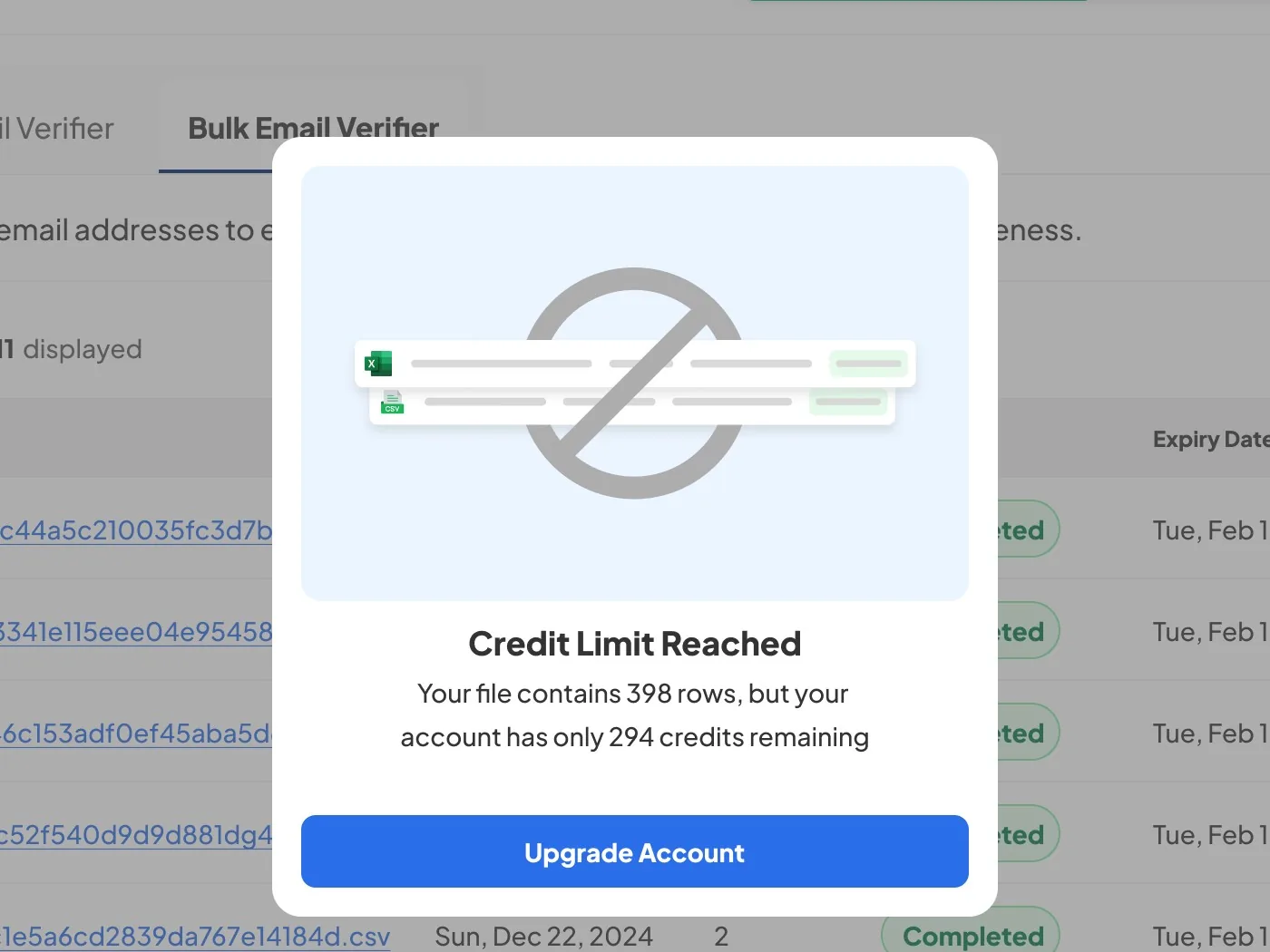
Designing for the moments trust is won or lost
Build
Designed in Figma, prototyped in code, shipped from one repo
Bridging design and engineering meant testing real edge cases, responsive behavior, and micro-interactions early so what shipped in production matched what was designed down to the token.
Collaboration
Designed and shipped side by side with engineering
I designed V2’s Lead Search, Company Search, verification, lists and the extension. I worked with stakeholders, PMs and the engineering team from the V1 gap to production, prototyped my flows in code so the team could try them before building them, and shipped them from one repo.
